S3 Bucket Access Points for Large Shared Datasets
Access Points let teams manage shared S3 datasets without editing one risky bucket policy.
Sponsored by Archil
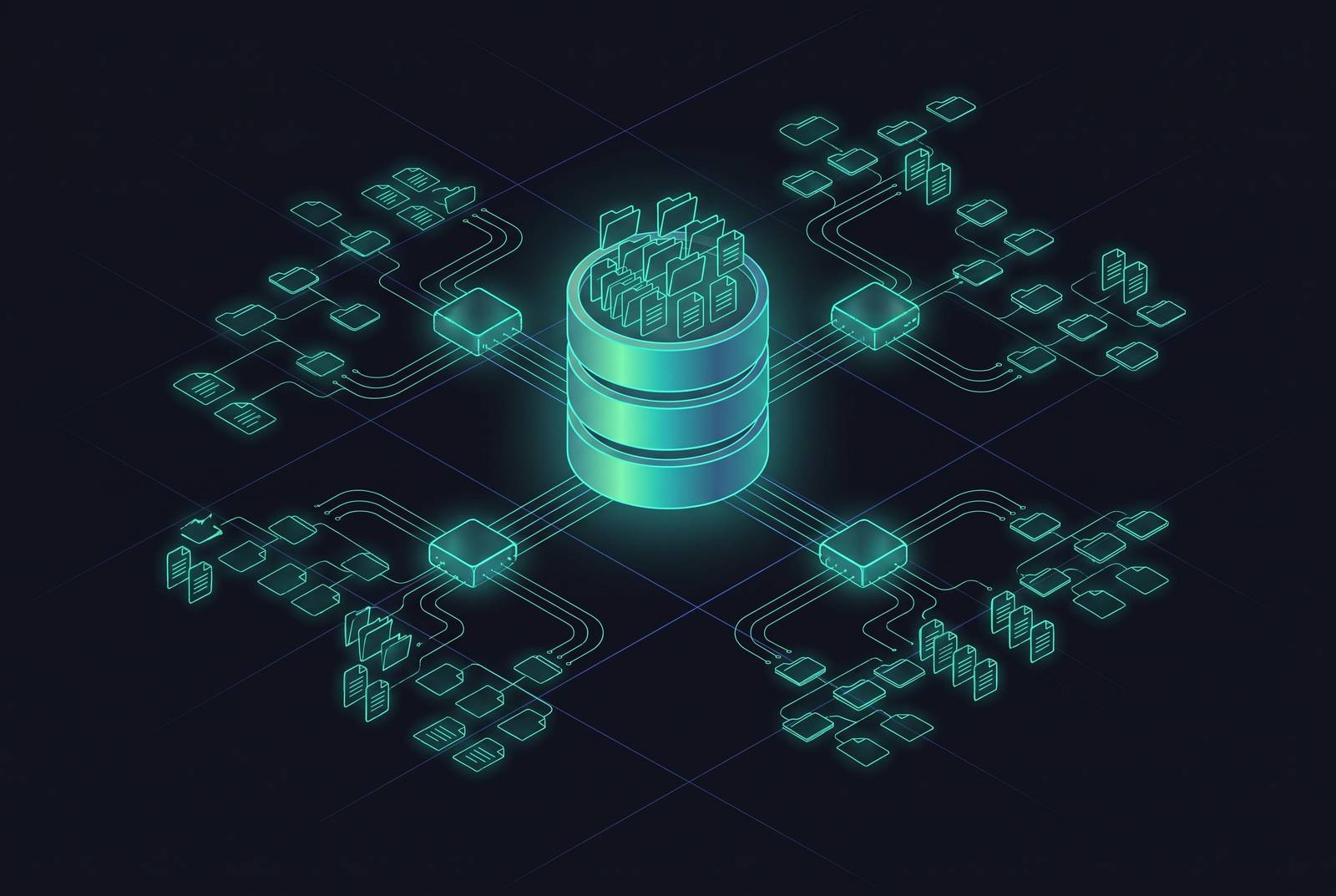
Picture a data lake with one bucket and many different consumers: an analytics team, a few machine learning jobs, a monitoring dashboard, and an ingestion pipeline, all pulling from or writing to the same place. That bucket has exactly one policy document, and that one document is now the single point of failure for governance, not just a technical setting buried in a console somewhere.
Why a single bucket policy breaks down as shared datasets grow
As the number of applications and teams sharing an S3 bucket multiplies, a single bucket policy document becomes the bottleneck for governance, not just a configuration file.
Editing the policy to fix one application's access creates a real chance of breaking a completely unrelated one, simply because both live in the same document. The bigger that document gets, the more damage a single typo can do. Auditing suffers the same way: nobody can look at just one application's permissions and ignore the rest.
Access Points and Layered Authorisation
S3 Access Points fix this by giving each application, or each team, its own named doorway into the bucket, complete with its own policy. Instead of one giant document trying to describe permissions for everyone at once, the bucket policy stays simple and each access point carries a policy scoped to exactly what that one consumer needs.
Say a company has a bucket full of customer records, and an employee named Alice needs read access to just her own prefix inside it. Instead of writing that exception into the master bucket policy, the policy attaches to an access point built just for Alice. That access point has its own hostname, its own IAM-style policy, a network origin setting, and a Block Public Access setting of its own. Alice's access point can only ever narrow what she's allowed to do. It cannot widen her permissions past what the bucket policy and her identity policy already allow, no matter what someone writes into her access point's policy. That's the property that makes the whole model safe to delegate. A team lead can hand an access point to a new application owner without worrying that a mistake in that one policy will suddenly expose the entire bucket.
Both layers have to agree before anything actually happens. If the bucket policy says no, the access point policy saying yes doesn't matter, and vice versa. Getting into the data works one of two ways: using the access point's ARN wherever an application would normally use a bucket name for object operations, or using an auto-generated alias that works anywhere a bucket name is accepted, no code changes needed.
Access Points launched in December 2019, and they're free to use, available in every AWS region. Each account starts with room for 1,000 access points per region by default, and AWS's own documentation now points to a considerably higher ceiling per account per region. Access points only work with general purpose buckets and object-level operations like GetObject and PutObject. They can't modify or delete the bucket itself, so lifecycle policies still live at the bucket level.
The Operational Shape of Access Management at Scale
Breaking one policy into many smaller ones doesn't just make each policy shorter. It changes how an organization operates day to day. A new access point policy can be written and tested on its own before anyone migrates a live application to it, or before copying that policy over to another endpoint. A single bucket policy never offered that kind of staging ground, because testing a change meant touching the one document everyone depended on.
When a new team needed onboarding, you had to edit the shared file and hope nothing else broke. Now it means creating a new access point that sits alongside the existing ones, untouched and undisturbed. Each access point can be custom-built to the exact needs of whichever application or team owns it, decoupling what the bucket allows from what any one consumer is actually permitted to do. Naming gets simpler too: because each access point has its own unique DNS name scoped to the account and region, a "test" or "staging" access point can exist in every account without namespace collision.
None of this is free, to be fair. When you run dozens or hundreds of access points, keeping their policies consistent takes real effort, and teams that assume this scales itself usually find out otherwise. Automation is the only approach that holds up at that scale, and smaller teams tend to underestimate what that automation costs to build. The upside is that a scripted, repeatable deployment process is auditable in a way that a hand-edited, 500-line bucket policy never was. Building the automation once makes every new access point after that close to free to add, review, and tear down.
VPC-Restricted Access Points and Network Origin Controls
Access Points don't just decompose policy. They decompose the network path too. Restricting an access point to a VPC moves the enforcement point away from "what does the policy say" and toward "what network is this request even coming from," closing off exfiltration routes that no amount of clever IAM policy writing can fully cover.
At that point, public internet access to the data becomes structurally impossible. VPC endpoint policies tighten this even further by only allowing access points owned by specific account IDs to be used through that endpoint, rejecting anything else automatically. That shuts a cross-account exfiltration path that would otherwise be left open.
This isn't purely a security story. If traffic never leaves AWS's internal network, it skips NAT Gateway charges, and for high-volume data transfer that savings adds up fast as datasets grow. There's a performance upside too: internal traffic avoids the variability of the public internet, which matters for workloads that need steady, predictable bandwidth. The S3 Copy API, run over access points and a VPC within the same region, moves data entirely over AWS's internal network at high speed, bypassing the public internet altogether.
AI Training and the Shared-Dataset Problem
AI training is the setting where all of this stops being a nice-to-have. A training estate is one shared dataset trying to serve dozens of consumers at once, each with permissions that don't line up, and when access management fails here, it costs wasted compute, not just a policy headache.
56% of GPU cycles at Meta sat stalled waiting for training data. That's over half of expensive, power-hungry hardware sitting idle, because the data couldn't get where it needed to go fast enough even though the model itself wasn't slow. Storage-layer access management in this context is the thing standing between a GPU cluster and the number on the electricity bill actually being worth it.
In a typical training organization, a machine learning team needs read-only access to the canonical corpus, while a separate analytics application needs write access to aggregate reports off the same data. With Access Points, those are separate endpoints on the same bucket, each with its own policy, and neither one interferes with the other. Before this existed, the standard workaround was for every team to copy the dataset into its own bucket. That solved the permissions headache but multiplied storage costs and left everyone running slightly different, slowly drifting versions of what was supposed to be the same dataset. Access Points remove the reason for that pattern entirely: every consumer gets a dedicated, policy-scoped door into the same single copy of the data, no replication required.
Prefix scoping sharpens this further. A preprocessing pipeline can hold write access to an ingest prefix, while an inference service holds read-only access to a processed prefix, both inside the same bucket, governed by separate access points. And the model now extends past object storage: S3 Access Points reach into FSx for ONTAP and FSx for OpenZFS file systems, letting AI and ML tools that expect an S3 interface read file data stored there without anyone refactoring code or physically moving the data, a capability announced at re:Invent 2025.
Larger Objects, Dataset Consolidation, and Access Point Policy Complexity
AWS raised the maximum S3 object size to 50 TB at re:Invent 2025, and that change lands directly on how you design access point policy. If you have fewer objects, your policy has fewer individual things to account for.
Large training corpora used to force teams into elaborate sharding schemes just so they could stay under old size limits. Something like Common Crawl, at roughly 400 TB, or a large-scale computer vision image set, historically had to be broken into enormous numbers of small files, and every one of those files was technically its own access-control surface. Consolidating into fewer, larger objects cuts API call volume and simplifies the prefix structures that access point policies actually reference. A policy that only has to reason about a handful of large shards is a policy a human being can actually read and audit, compared to one that's technically covering millions of tiny files nobody's individually looked at.
Shards sized between 100 MB and 1 GB, combined with sequential access patterns, deliver noticeably better throughput by cutting down the per-request overhead that punishes workloads full of small files. Fewer, bigger objects turn out to be good for both the auditor reading the policy and the training job waiting on the data.
Multi-Region Access Points and Geographic Routing
Multi-Region Access Points take the same decomposition idea and stretch it across geography, giving applications one global endpoint that routes to whichever regional copy of the data is closest and fastest. An application written against a Multi-Region Access Point doesn't need special regional logic baked in. It just talks to the endpoint, and the endpoint figures out the routing.
MRAP's convenience carries a real cost. MRAP requests sign with SigV4A instead of the standard SigV4, and every control-plane operation for an MRAP routes through the US West (Oregon) region, regardless of where the data or the application actually lives. For a dataset that only exists in one region, that's pure overhead: extra signing complexity and operational surface area bought for a benefit that was never going to apply.
The question to ask before reaching for a Multi-Region Access Point is simple: is this data actually replicated across more than one region, and would the latency difference between those regions actually matter to the application using it? If the answer to either half is no, a single-region access point is the right tool, and Multi-Region Access Points should stay on the shelf until the architecture genuinely spans geography.
Access Points in S3-Compatible and Hybrid File Storage Environments
An access point ARN is, at the end of the day, just a stand-in for a bucket name inside an API call. That simplicity is why the pattern isn't locked to AWS alone. Because the access point ARN simply substitutes for a bucket name in API calls, any S3-compatible backend can surface the access-point pattern, and the FSx integration extends it to file storage without application changes.
The S3 API has become something close to a universal language for object storage at this point. Self-hosted systems like Ceph RGW, SeaweedFS, and RustFS all build S3 API compatibility in as a core feature, even as some of them support other interfaces on top of it, like Ceph RGW's support for the OpenStack Swift API, or SeaweedFS's support for HTTP REST, FUSE, WebDAV, and NFS. Swapping a bucket name for an access point ARN doesn't cost anything in request performance or latency. The substitution is invisible to whatever application is making the call.
On the AWS side, FSx for ONTAP and OpenZFS file systems can now present themselves through Access Points as though they were sitting in S3, letting AI, ML, and analytics tools built around the S3 interface reach file data without anyone refactoring code or relocating files. Spice AI, highlighted at re:Invent 2025, builds on this same idea at a higher level, using S3 as the base layer for AI-ready data lakes and tuning data layout, caching, and query patterns so the same data estate can serve both analytics users and AI inference pipelines, with the access-point model doing a lot of the quiet work that makes serving both from one estate practical.
For teams running hybrid or cloud-agnostic setups, a filesystem layer mounts directly over existing S3, GCS, R2, or Azure Blob buckets, with no migration, no ETL step, and no code changes required. That gives agents and training jobs a familiar POSIX interface to read and write through, while the original bucket still stays the actual source of truth underneath. It's the same no-copy philosophy that Access Points apply at the API level, just extended one layer up to the filesystem.
Access Points and Misconfiguration Risk
Access Points cut complexity out of the bucket policy, but they add a second layer of authorization that's genuinely easy to get wrong, and the way it fails is quiet: a non-admin user can slip past a defense that was supposed to stop them, with no error, no alert, nothing obviously broken.
Because access point policies operate independently from the bucket policy, a mistake in just one of them can open up prefixes that were never supposed to be reachable: audit logs, sensitive customer data, restricted model outputs, anything the bucket policy was built to wall off. IAM roles can be scoped exactly right, and it won't matter if the access point policy sitting in front of them is looser than it should be. The isolation everyone assumed was in place disappears, silently, and no one notices until something goes wrong downstream.
The fix isn't more careful manual review. At the scale where Access Points actually pay off, dozens or hundreds of them, manual review stops being a reliable control, full stop. CloudFormation explicitly supports Access Points. Policies can be defined, versioned, reviewed like any other piece of code, and deployed the same way every time. That turns access point policy from something a person eyeballs under deadline pressure into something a pull request catches before it ever reaches production, which is exactly the kind of boring, repeatable process that shared datasets at scale actually need.
This article is sponsored by Archil.
Sources
- Amazon S3 Access Points - Amazon Web Services
- Easily Manage Shared Data Sets with Amazon S3 Access Points
- Accessing an Amazon S3 general purpose bucket - Amazon Simple Storage Service
- Managing Amazon S3 access with VPC endpoints and S3 Access Points
- Configuring IAM policies for using access points - Amazon Simple Storage Service
- docs.aws.amazon.com
- Creating access points restricted to a virtual private cloud - Amazon Simple Storage Service
- A Deep Dive into Amazon S3 Access Points